China 2025 Guide: Must-see attractions, local cuisine, and practical tips! | Trip.com
 Local GuidesLast updated on Trip.com: 27/11/2025
Scan to Order Food Quick Note
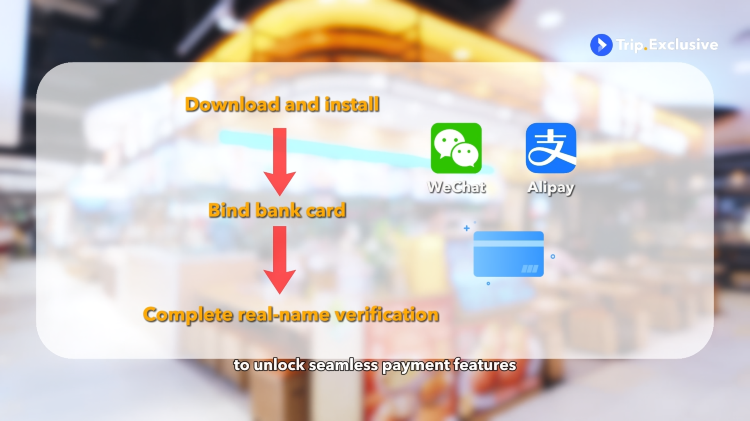
1. First, you'll need to download and install the WeChat or Alipay app, bind your bank card, and complete real-name verification to unlock seamless payment features.
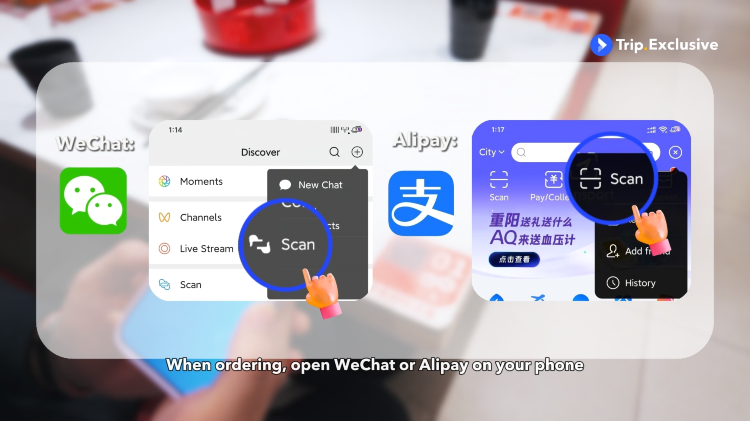
2. When ordering, open WeChat or Alipay on your phone and scan the QR code on the table to view the menu and place your order.
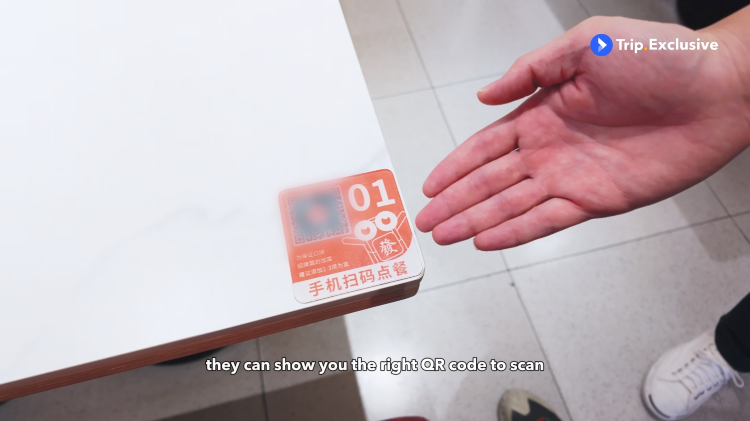
3. If you're not sure how to order, just ask the waiter— they can show you the right QR code to scan.
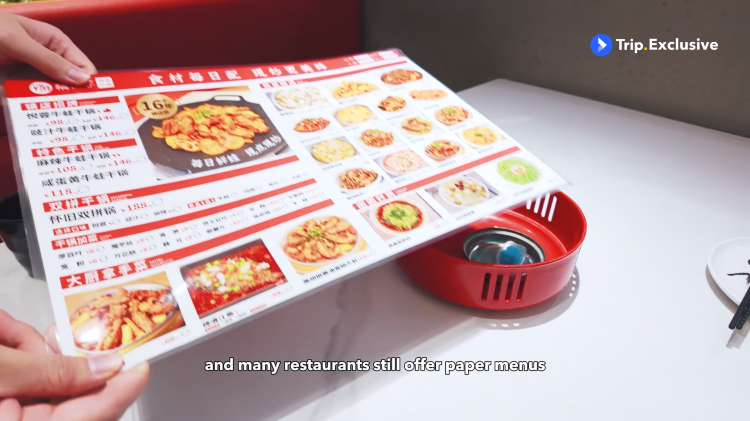
4. And many restaurants still offer paper menus.
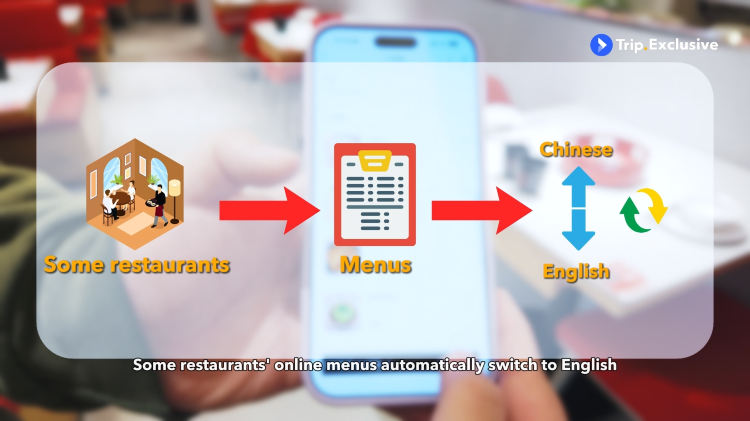
5. Some restaurants' online menus automatically switch to English,
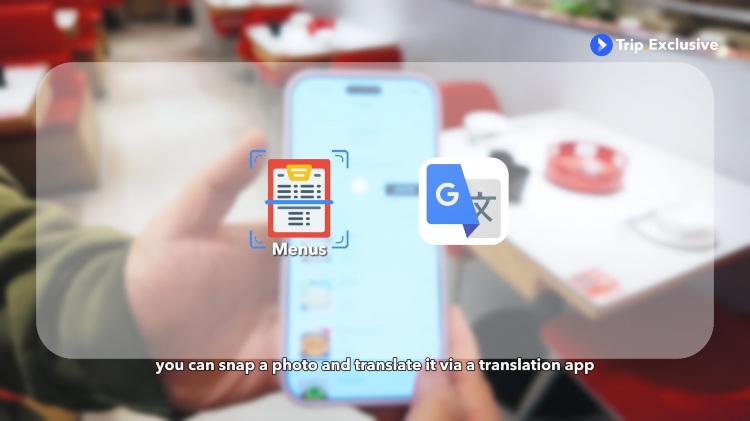
6. But if it's only in Chinese, you can snap a photo and translate it via a translation app.
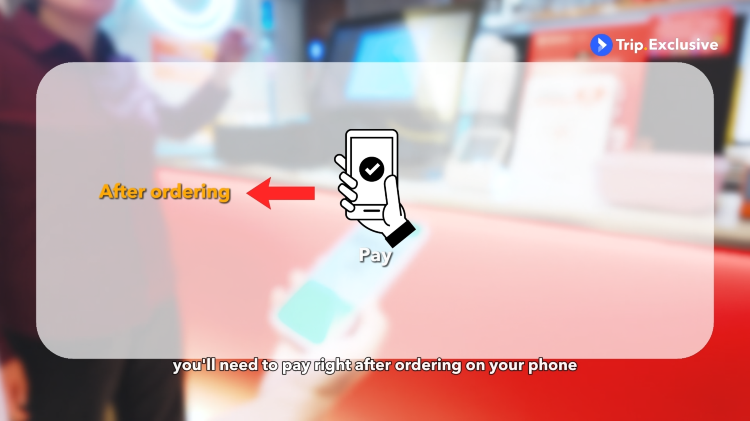
7. In some spots, you'll need to pay right after ordering on your phone,
8. While others let you settle the bill at the end of the meal.
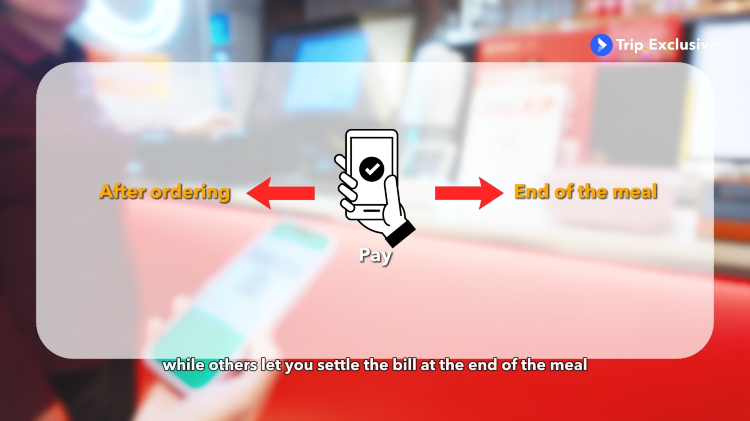
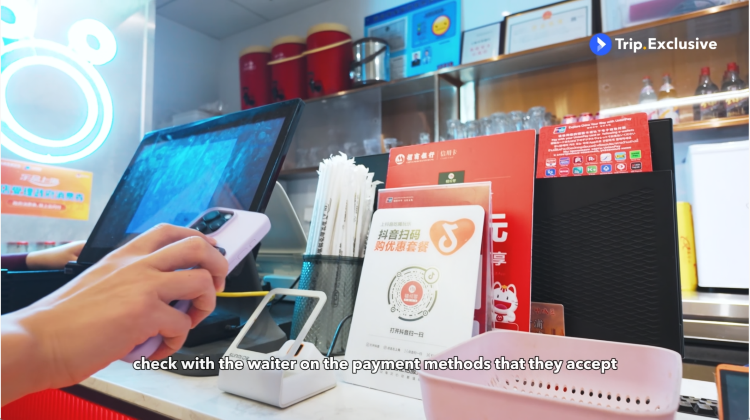
9. If payment is due after you finish the meal, check with the waiter on the payment methods that they accept.
 Trending in China
A new "super" park has arrived in Haidian, Beijing@yu he shi di gong yuanA New "Super" Park Has Arrived in Haidian, Beijing
New Shanghai Disneyland ticket policy: Tiered cancellations, free cancellations 7 days in advance@Shanghai Disney ResortNew Shanghai Disneyland ticket policy: Tiered cancellations, free cancellations 7 days in advance
Bring your cute pet along and enjoy a new high-speed rail experienceBring your cute pet along and enjoy a new high-speed rail experience
Popular destinations

Bangkok

Tokyo

Kuala Lumpur

Los Angeles

Shanghai