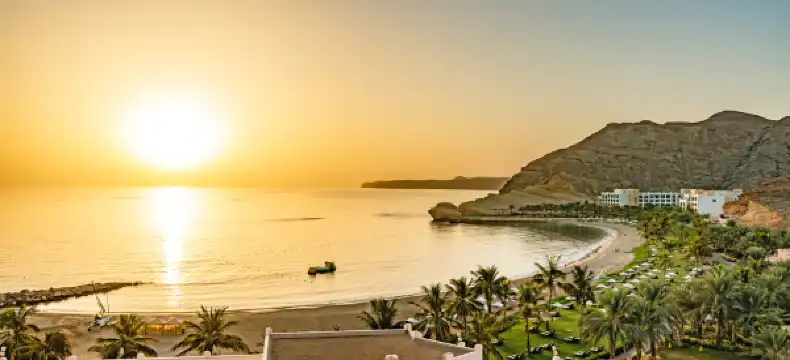
Hotels With Pools in Oman
Enter your dates for the latest hotel rates and availability.
Swipe down to view more
Find Hotels With Pools - Popular Cities in Oman
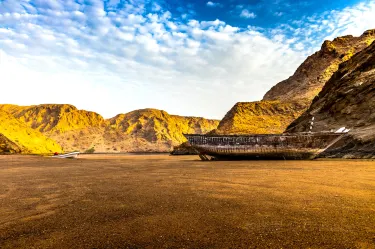
Muscat
48 hotels
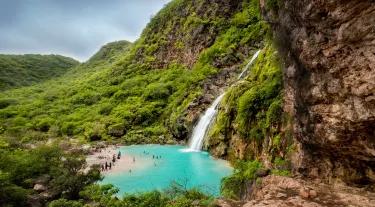
Salalah
19 hotels
Seeb
8 hotels

Nizwa
6 hotels
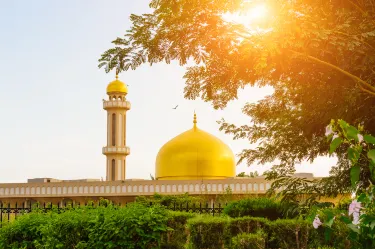
Sohar
6 hotels
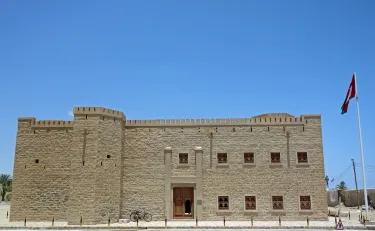
Mirbat
2 hotels
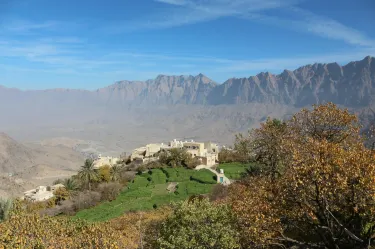
Sayq
4 hotels
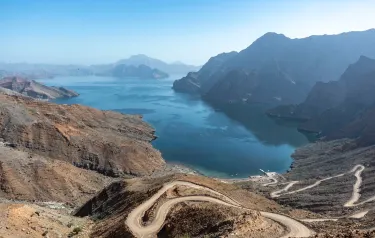
Khasab
1 hotels
Find Hotels With Pools - Oman Attractions
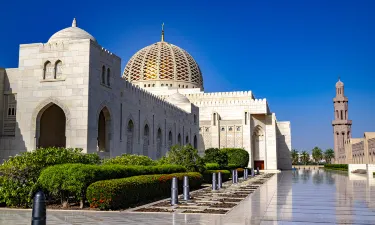
Sultan Qaboos Grand Mosque
48 hotels
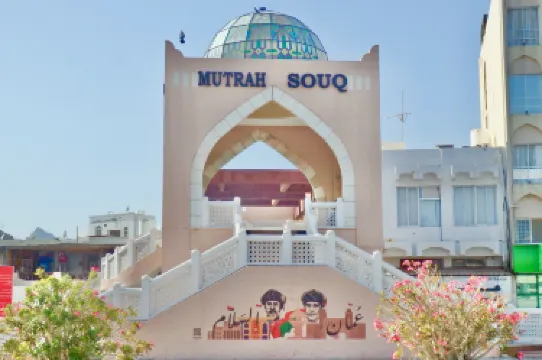
Mutrah Souq
35 hotels

Qurum Beach
44 hotels
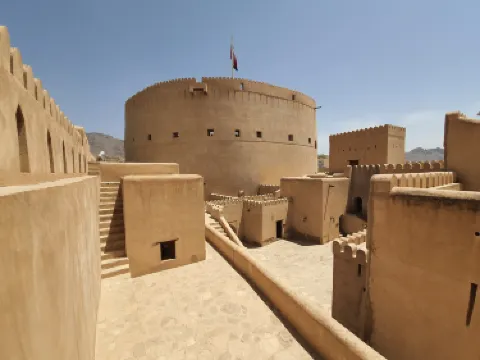
Nizwa Fort
6 hotels
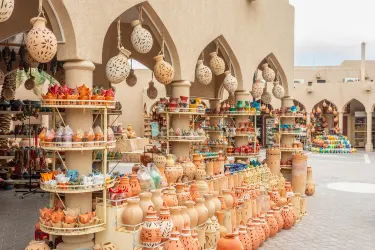
Nizwa Central Souq
6 hotels
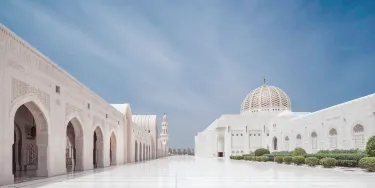
Sultan Qaboos Mosque Salalah
14 hotels
Search Hotels With Pools - Other Countries
China
18,081 hotels
Thailand
6,773 hotels
Malaysia
3,957 hotels
Indonesia
9,421 hotels

Vietnam
4,185 hotels
South Korea
1,824 hotels

Japan
931 hotels
United States
27,902 hotels
Philippines
2,299 hotels
Singapore
175 hotels
FAQs
What are the popular hotels with Swimming Pools in Oman?
Whether you are traveling to Oman for business or tourism, Royal Tulip Muscat (price from €64) , Hilton Garden Inn Muscat Al Khuwair (price from €52) and IntercityHotel Muscat (price from €66) are all preferred hotels.
How much is the average rate for hotels with Swimming Pools in Oman?
For hotels with Swimming Pools in Oman, the average price on weekdays is €240, and the average price on weekends (Friday–Saturday) is €242.
What are the popular budget hotels with Swimming Pools in Oman?
What are the popular budget hotels with Swimming Pools in Oman?
Which hotels with Swimming Pools in Oman are luxury hotels?
Many hotels with Swimming Pools in Oman are luxury hotels. Mövenpick Hotel and Hotel Apartments Ghala Muscat (price from €69), Salalah Rotana Resort (price from €110) and Fanar Hotel & Residences (price from €124) are very popular.
What promotions are available for hotels with Swimming Pools in Oman?
Trip.com provides various promotions and discounts for users all year round. You can check the promotions page to see what promotions are available on Trip.com.
Recommendations
Find More Hotels with Facilities
Hotels in Singapore With BreakfastHotels in Japan With BreakfastHotels in Gibraltar With ParkingHotels in Indonesia With Swimming PoolsHotels in Antigua and Barbuda With Swimming PoolsHotels in Dominica With Swimming PoolsHotels in Anguilla With Swimming PoolsHotels in Angola With Swimming PoolsHotels in French Saint Martin With SpasHotels in Argentina With SpasHotels in Portland With ParkingHotels in Hong Kong With Swimming PoolsHotels in Manchester With SpasHotels in Kent With Swimming PoolsHotels in Suffolk With Swimming PoolsHotels in Granada With ParkingHotels in Cornwall With Swimming PoolsHotels in Surrey With Swimming PoolsHotels in Manchester With ParkingHotels in Somerset With SpasHotels with Pools in New YorkHotels with Pools in ChicagoHotels with balcony in Las VegasHotels with Pools in BostonHotels with parking in New YorkHotels with spa in New YorkHotels with spa in ChicagoHotels with Airport Shuttle in Fort LauderdaleHotels with Pools in ManhattanHotels with Airport Shuttle in Orlando
Trip.com latest trends
Hotels in India With BreakfastHotels in Anguilla With Swimming PoolsHotels in Belize With SpasHotels in Uzbekistan With ParkingHotels in Liberia With BarsHotels in Azerbaijan With Swimming PoolsHotels in Haiti With Swimming PoolsHotels in Trinidad and Tobago With ParkingHotels in Guinea With Wi-FiHotels in Bosnia and Herzegovina With ParkingHotels in Svalbard With BarsHotels in Napo With Swimming PoolsHotels in Lang Son Province With GymsHotels in Rivera With BreakfastHotels in Saint James Windward With GymsHotels in Canterbury With Wi-FiHotels in Kyoto Prefecture With BreakfastHotels in Montana With BreakfastHotels in Kingston With BreakfastHotels in Finnmark With GymsHotels with parking in CarcassonneHotels with Airport Shuttle in RaleighHotels with Airport Shuttle in HonoluluHotels with balcony in BlackpoolHotels with spa in KrakowHotels in Hong Kong With BreakfastHotels in Somerset With SpasHotels in Wellington Region With ParkingHotels in Santa Fe With ParkingHotels in Chandigarh With Swimming Pools