How to Find the Latest Promo Code when Booking Traveling Tickets?
🔥Trip.com Hotel Coupon | Up to 10% off for Trip.com App new users
Promotion period: From now to 2026-12-31.
Up to 10% Coupon Guide - Only For New App Users
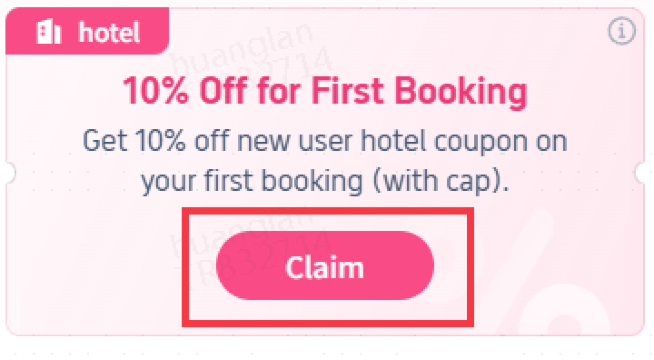
1. Click "Claim"
Click to claim the promo code
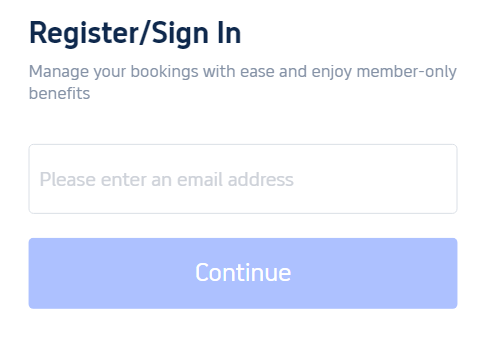
2. Register or Sign in
Register or log in to your Trip.com account
3. Click "Use"
Click to use the promo code
4. Jump to APP store
Download Trip.com App and turn on it
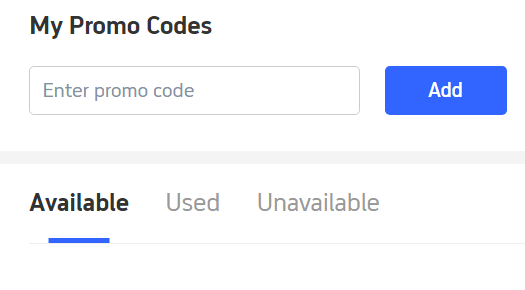
5. Check your coupon in Trip App
Open "Promo Codes" in your account and you will see the coupon under "Available"
6. Payment page
The coupon will automatically appear on the payment page when you make a reservation, select it to enjoy the discount!

Up to 5% Coupon Guide - Only For Second Order
1. Click "Claim"
Click to claim the promo code
2. Register or Sign in
Register or log in to your Trip.com account
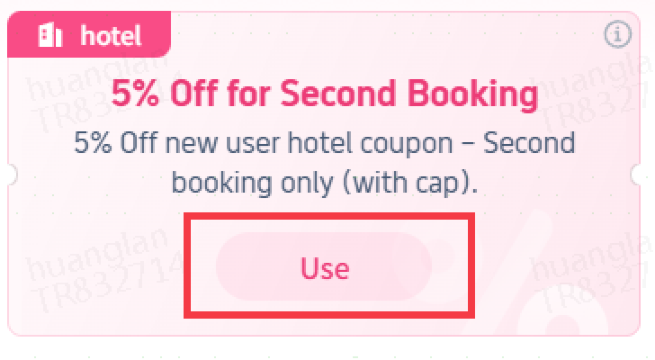
3. Click "Use"
Click to use the promo code
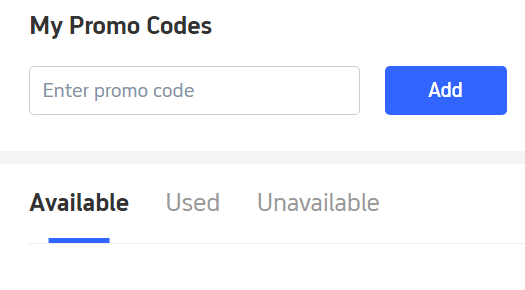
4. Jump to My Promo Codes
You will see the coupon under "Available"
6. Payment page
The coupon will automatically appear on the payment page when you make a reservation, select it and enjoy the discount!